Results you can inspect
Watch the transformed feed alongside your camera preview and inspect how the reference changes the result.
About Live Face Swap
Try a different face, visual style or outfit through a live camera feed. Pick a reference, choose XMAX or Lucy, and preview the transformation in your browser.
“See your next look move with you.”
Why we built it
When an idea depends on expression and movement, a still image only shows part of it. A live camera preview lets you explore how a face, visual style or outfit changes as you move.
Live Face Swap brings Face Swap, Restyle and Try-On into one browser workspace. Start with a gallery reference or upload your own image, then choose XMAX or Lucy for your session.
We focus on a clear, controlled workflow: choose the effect and reference, grant camera access, and start or stop a bounded live session. Save setup keeps your chosen effect, model and references with your account.


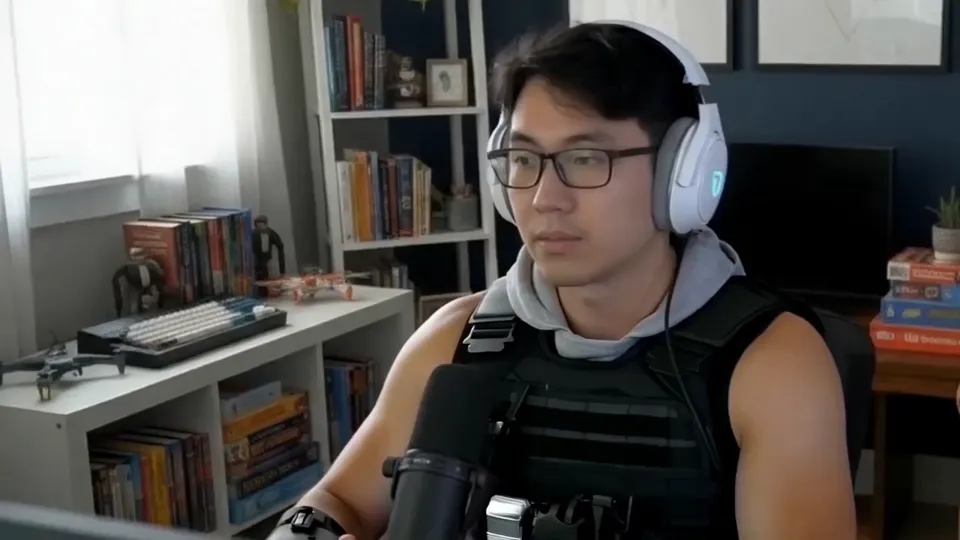
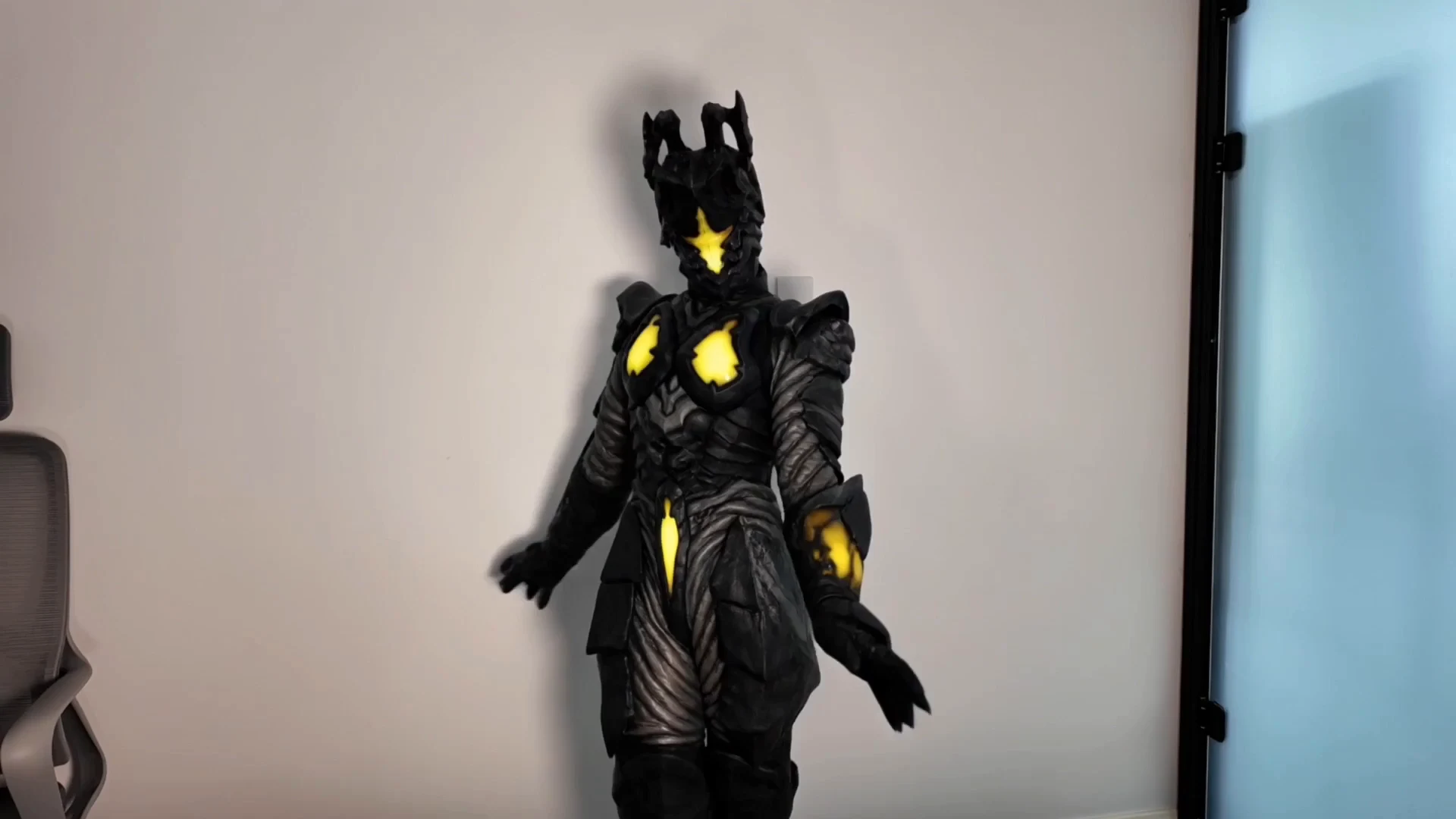
Illustrative competitor demonstrations, not outputs generated in this workspace. Source: livefaceswap.ai.
What you can do
Reference images and direct camera controls keep each preview easy to set up. Choose a model and try one effect at a time.
Use a face or character reference to transform the person in your camera feed while following their movement and expression.
Choose an outfit reference and preview an AI clothing change on your camera feed before trying another look.
Use a style reference to explore a different visual treatment as your camera feed moves.
Choose XMAX or Lucy, review the session limit, and start or stop your preview. Open the live output in full screen when you need a closer look.
Browse character, style and outfit references, or upload JPG, PNG or WebP images to your private gallery.
Save your effect, model, chosen reference and pinned images, then restore that setup when you return to your account.
Our mission
We want choosing a look to feel approachable: a clear reference, a visible camera preview, and controls that help you understand and manage each session.
Watch the transformed feed alongside your camera preview and inspect how the reference changes the result.
Each preview focuses on one effect and one reference, so you can change a single choice between sessions and try again.
Change the reference or effect between sessions without rebuilding your setup.
You choose when to allow camera access, start a preview and stop the session.
Open the workspace, choose a reference and explore Face Swap, Restyle or Try-On. Check the model rate and preview limit before starting.
Have a question or an idea to share? support@faceswaplive.io